
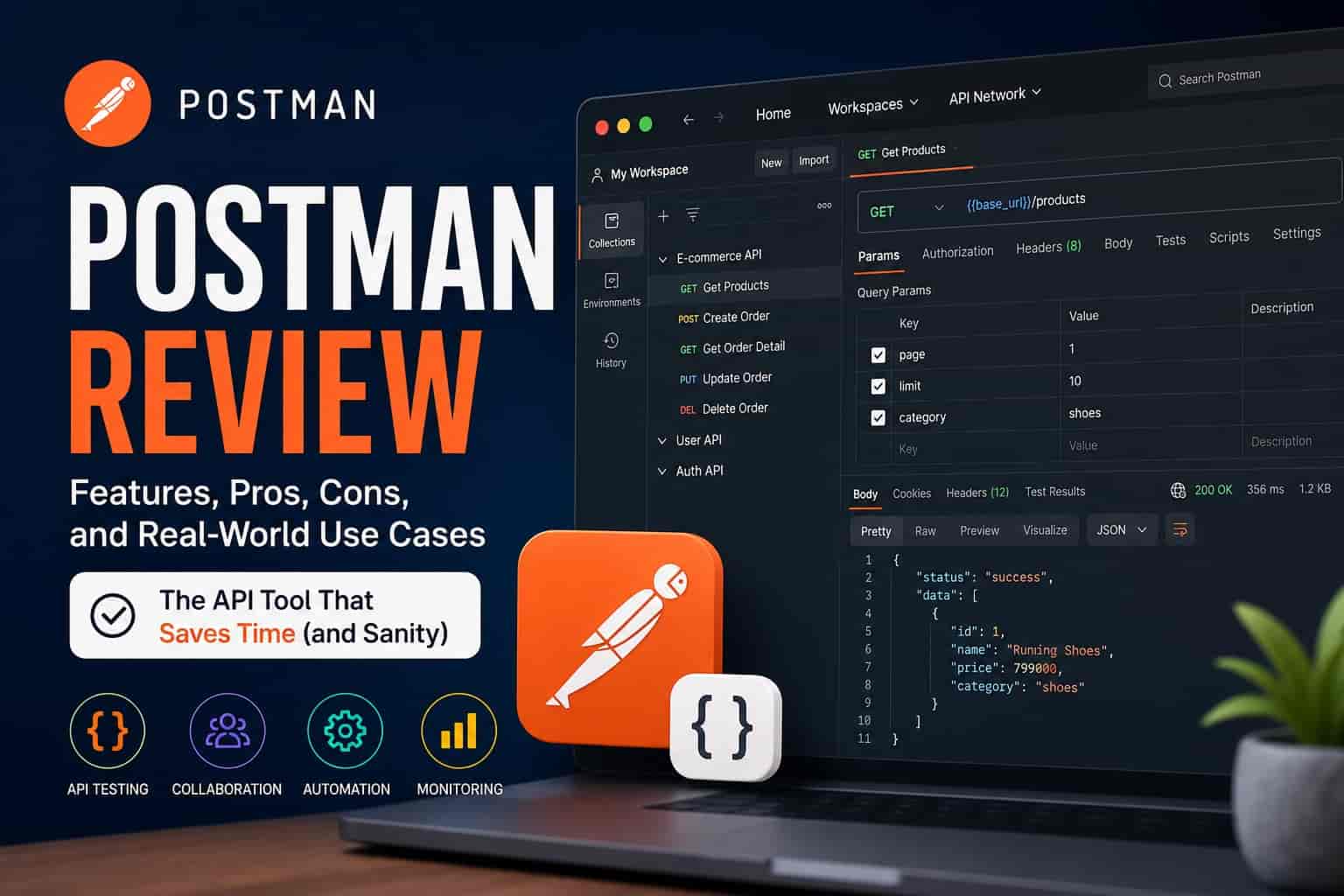
Ever Spent 20 Minutes Debugging an API… Only to Realize It Was the Header?
If you’ve worked with APIs for more than five minutes, you’ve probably been there.
You send a request. It fails.
You tweak something. Still fails.
You question your life choices.
And somewhere in that mess is usually a missing header, a typo in JSON, or an auth token that expired 12 seconds ago.
That’s exactly the kind of chaos tools like Postman promise to fix.
But here’s the real question: does Postman actually make API work easier or just add another layer of complexity?
Let’s dig in.
What Is Postman (and Why Everyone Talks About It)?
At its core, Postman is an API platform. You can:
- Send HTTP requests (GET, POST, PUT, DELETE, you know the drill)
- Test endpoints
- Manage environments and variables
- Automate workflows
- Share collections with your team
If you’ve ever used curl and thought, “there has to be a better way”, Postman is that “better way.”
It’s basically a visual interface for interacting with APIs, cleaner, faster, and less error-prone.
Or at least, that’s the idea.
The Real Problem Postman Solves
Let’s be specific.
Without a tool like Postman, working with APIs often looks like this:
- Writing long curl commands in terminal
- Manually copying tokens and headers
- Forgetting which endpoint uses which parameters
- Debugging responses with zero context
It’s messy. And worse, it’s slow.
Now multiply that by:
- Multiple environments (dev, staging, production)
- Team collaboration
- Frequent testing cycles
That’s where things break down fast.
Postman steps in to:
- Centralize requests
- Save configurations
- Automate repetitive tasks
- Make debugging less painful
But does it actually deliver on all of that?
First Impressions: Clean, But Not Exactly “Light”
When you open Postman for the first time, it looks polished.
- Sidebar for collections
- Request builder in the center
- Tabs for headers, body, auth
- Response viewer below
Pretty intuitive.
But here’s the catch: it’s not lightweight.
If you’re expecting a quick, minimal tool, Postman might feel… heavy.
- It takes time to load
- There’s a lot going on in the UI
- Features are layered (sometimes too much)
It’s powerful, sure but not exactly beginner-friendly in terms of simplicity.
Core Features That Actually Matter
Let’s skip the fluff and focus on what you’ll actually use day-to-day.
1. Request Builder
This is where Postman shines.
You can:
- Choose request type (GET, POST, etc.)
- Add headers easily
- Paste JSON into the body
- Save everything into collections
No more rewriting requests from scratch.
Real-world scenario:
You’re testing a login API. Instead of rewriting the payload every time, you save it once and reuse it instantly.
Simple. Effective.
2. Environments and Variables
This is a huge time-saver.
Instead of hardcoding values, you can use variables like:
{{base_url}}{{auth_token}}
Then switch between environments:
- Development
- Staging
- Production
Example:
Instead of changing URLs manually:
https://dev.api.com/users
https://prod.api.com/users
You just use:
{{base_url}}/usersSwitch environment → done.
Honestly, once you get used to this, you won’t want to go back.
3. Collections (Your Organized Brain)
Collections are basically folders for your API requests.
You can:
- Group related endpoints
- Add descriptions
- Share with your team
- Run them as a sequence
This becomes your API documentation without even trying.
Personal insight:
Good collections feel like a clean workspace. Bad ones feel like a junk drawer.
Most teams underestimate how important this is.
4. Testing & Automation
Postman lets you write tests using JavaScript.
You can:
- Check response status
- Validate JSON structure
- Extract values for later use
Example test:
pm.test("Status is 200", function () {
    pm.response.to.have.status(200);
});
You can also chain requests together.
So yeah, it’s not just a “manual testing tool.”
It can act like a lightweight automation framework.
5. Collaboration Features
This is where Postman gets more “platform-like.”
You can:
- Share collections
- Comment on requests
- Sync changes across teams
Great in theory.
In practice? Depends on your team.
Some love it. Others prefer Git-based workflows.
Where Postman Gets Frustrating
Let’s be honest, Postman isn’t perfect.
1. Performance Can Be Sluggish
Especially with large collections or multiple tabs open.
You’ll notice:
- Lag when switching requests
- Slow startup time
- Occasional freezing
Not a deal-breaker, but definitely annoying.
2. Too Many Features (Yes, Really)
Postman has evolved… a lot.
Now it includes:
- Mock servers
- Monitors
- Flows
- API design tools
Cool? Yes.
Necessary for everyone? No.
For simple API testing, it can feel like overkill.
3. Learning Curve for Advanced Features
Basic usage is easy.
But once you get into:
- Pre-request scripts
- Dynamic variables
- Automated testing
Things get complex quickly.
You’ll probably end up Googling stuff more than you’d like.
4. Sync & Account Dependency
Postman heavily encourages you to:
- Create an account
- Sync your work
That’s fine… until:
- You prefer local workflows
- You hit plan limits
- You don’t want cloud dependency
Some developers find this annoying.
Step-by-Step: How to Use Postman Effectively
If you want to actually benefit from Postman (not just click around), here’s a practical flow:
Step 1: Create an Environment
- Add variables like:
base_urlapi_keytoken
This keeps things clean from the start.
Step 2: Build Your First Request
- Choose method (GET/POST)
- Enter URL using variables
- Add headers (e.g., Authorization)
- Add body if needed
Hit send.
Step 3: Save It to a Collection
Don’t skip this.
- Name it clearly
- Group related endpoints
Future you will be grateful.
Step 4: Add Basic Tests
Start simple:
- Check status codes
- Validate key fields
This turns manual testing into something repeatable.
Step 5: Reuse & Scale
- Duplicate requests
- Modify parameters
- Chain calls if needed
Now you’re actually working efficiently.
Who Should Use Postman?
Let’s not pretend it’s for everyone.
Great for:
- Backend developers
- QA testers
- API engineers
- Beginners learning APIs
Maybe not ideal for:
- People who prefer CLI tools
- Minimalists who hate heavy apps
- Advanced users who want full automation pipelines
Alternatives (Worth Considering?)
Postman dominates, but it’s not alone.
Some alternatives:
- Insomnia (lighter, cleaner UI)
- HTTPie (great CLI experience)
- Swagger UI (for documentation-focused workflows)
If Postman feels too bloated, these are worth trying.
So… Is Postman Still Worth It?
Short answer: yes, but with caveats.
Postman is incredibly useful when:
- You work with APIs daily
- You need structure and organization
- You collaborate with others
But it can feel excessive if:
- You just need quick requests
- You prefer lightweight tools
My take?
Postman is like a Swiss Army knife.
Sometimes you just need a knife.
Sometimes you need the whole thing.
Final Thoughts
If you’re struggling with API testing, don’t overcomplicate things.
Start simple:
- Use Postman for basic requests
- Learn environments early
- Organize your collections properly
Then gradually explore advanced features.
You don’t need to master everything on day one.
And if Postman starts feeling heavy? Try an alternative. No tool deserves blind loyalty.
One Last Thing
If you’ve been typing curl commands manually for everything…
Why?
Seriously, try Postman for a week.
You might not go back.