
Ever Tried Getting Paid Online… and It Turned Into a Headache?
You set up your website. Your product is ready. Maybe you even got your first few customers.
And then payment issues.
Cards get declined for no clear reason. Your checkout feels clunky. International customers can’t pay. Or worse, you realize your payment provider takes a bigger cut than expected.
If that sounds familiar, you’re not alone. Choosing a payment processor is one of those “small” decisions that quietly affects everything, from conversion rates to customer trust.
That’s where Stripe usually enters the conversation.
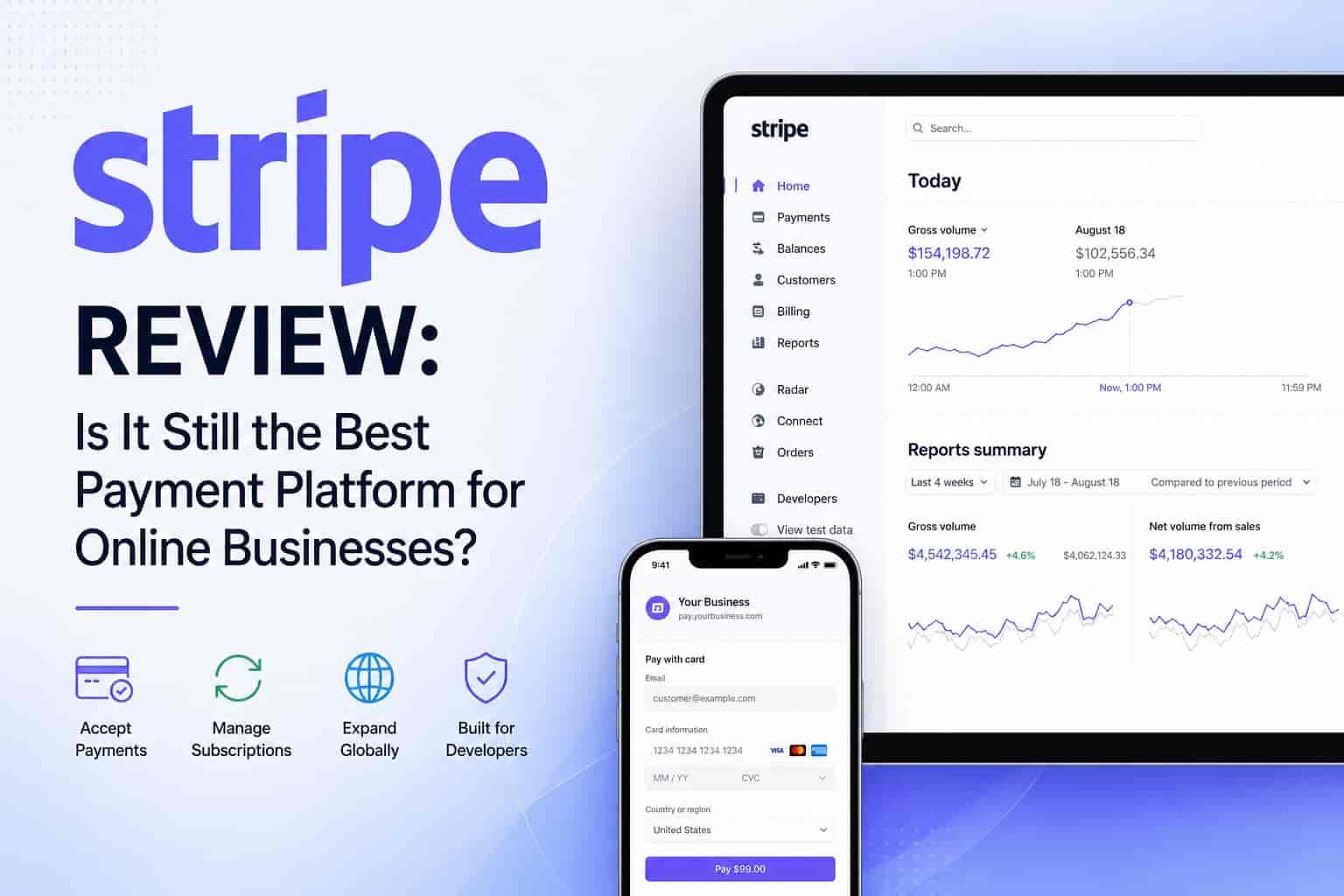
This Stripe review breaks down what it actually does well, where it falls short, and whether it’s the right fit for your business not just in theory, but in real-world use.
What Is Stripe (And Why Everyone Talks About It)?
At its core, Stripe is a payment processing platform designed for online businesses. It lets you accept payments via:
- Credit and debit cards
- Digital wallets (Apple Pay, Google Pay)
- Bank transfers
- Subscriptions and recurring billing
But Stripe isn’t just a “checkout tool.” It’s more like a full financial infrastructure for the internet. That sounds fancy, but in practice it means:
- You can build custom payment flows
- Automate billing
- Handle international payments easily
- Integrate with apps and platforms without friction
That’s why startups, SaaS companies, and even big tech platforms lean toward Stripe, it’s flexible.
Sometimes too flexible. More on that later.
The Real Problem Stripe Solves
Let’s be specific.
Most payment platforms struggle in at least one of these areas:
1. Poor Checkout Experience
Slow or outdated checkout pages kill conversions. People abandon carts quickly, sometimes within seconds.
2. Limited Payment Options
If your customer can’t pay how they want, they won’t pay at all.
3. Global Payment Friction
Different countries = different currencies, taxes, and regulations. It gets messy fast.
4. Lack of Customization
Some platforms box you in. You get what you get, and that’s it.
Stripe tackles all four.
But it’s not perfect.
Stripe Features (That Actually Matter)
Let’s skip the fluff and talk about what you’ll actually use.
Flexible Checkout Options
Stripe gives you three main ways to accept payments:
- Prebuilt checkout page – fast and easy
- Custom checkout (API-based) – total control
- Embedded forms – a middle ground
If you just want something that works out of the box, the hosted checkout is solid. Clean, fast, and surprisingly optimized.
If you’re a developer (or have one), the API is where Stripe shines.
Global Payments Made Easier
Stripe supports:
- 135+ currencies
- Dozens of local payment methods
- Automatic currency conversion
That’s huge if you’re selling internationally.
A small example:
Imagine you’re running an online course. Someone in Germany visits your site. Stripe can show prices in euros and let them pay with local methods. No awkward conversions. No friction.
Subscription & Billing Tools
This is one of Stripe’s strongest areas.
You can set up:
- Monthly or yearly subscriptions
- Free trials
- Usage-based billing
- Coupons and discounts
If you’ve ever tried managing subscriptions manually… yeah, you don’t want to go back.
Developer-Friendly (Maybe Too Friendly)
Stripe’s API is clean, well-documented, and powerful.
But here’s the honest take:
If you’re not technical, this can feel overwhelming.
Even basic customization might require coding. That’s not a dealbreaker, but it’s something to know upfront.
Stripe Pricing: Straightforward… Until It Isn’t
Stripe’s standard pricing (in most regions) looks simple:
- 2.9% + $0.30 per successful card charge
No monthly fee. No setup cost.
Sounds fair, right?
Mostly, yes. But here’s where it gets tricky:
Extra Costs Add Up
- International cards: +1%
- Currency conversion: +1%
- Certain payment methods: higher fees
So if you’re selling globally, your real fee might be closer to 4–5%.
Not outrageous but not negligible either.
Stripe Pros (What It Does Really Well)
1. Clean, Professional Checkout
Stripe’s checkout experience feels modern. That alone can improve conversions.
It’s one of those things users don’t consciously notice but they feel it.
2. Extremely Flexible
You can build almost anything:
- Marketplaces
- SaaS platforms
- Membership sites
- Custom payment flows
Stripe grows with your business.
3. Strong International Support
Handling global payments is usually painful. Stripe makes it manageable.
4. Great Ecosystem
Stripe integrates with:
- Website builders
- E-commerce platforms
- Accounting tools
- CRM systems
You’re rarely stuck.
Stripe Cons (The Stuff People Don’t Mention Enough)
1. Can Be Overkill for Simple Needs
If you just want to accept a few payments on a basic site, Stripe might feel like using a spaceship to cross the street.
There are simpler tools out there.
2. Learning Curve
The dashboard is powerful but not always intuitive.
First-time users sometimes get lost.
3. Account Stability Concerns
This is worth mentioning.
Some users report sudden account holds or freezes, especially in high-risk industries.
It’s not common but when it happens, it’s frustrating.
4. Fees for Global Businesses
As mentioned earlier, international fees can stack up quickly.
Real-World Use Cases
Scenario 1: A Freelancer Selling Services
You create a simple website and want to accept payments.
Stripe works but it might be more than you need.
Something simpler could do the job faster.
Scenario 2: A SaaS Startup
This is where Stripe shines.
You need:
- Recurring billing
- Usage tracking
- Custom pricing tiers
Stripe handles all of that cleanly.
Scenario 3: An E-commerce Brand Expanding Globally
Stripe helps with:
- Multiple currencies
- Local payment methods
- Smooth checkout
This can directly impact revenue.
How to Get Started with Stripe (Without Overthinking It)
If you decide to try Stripe, here’s a simple path:
Step 1: Create an Account
Sign up and verify your business details.
Step 2: Choose Your Integration
- No-code → use hosted checkout
- Some tech skills → use plugins
- Full control → use API
Step 3: Set Up Payments
Add products, pricing, and payment methods.
Step 4: Test Everything
Stripe has a solid test mode. Use it.
Step 5: Go Live
Once you’re confident, switch to live mode and start accepting payments.
Is Stripe Worth It?
Short answer: yes but not for everyone.
Stripe is one of the most powerful payment platforms available today. It’s flexible, scalable, and built for modern online businesses.
But power comes with complexity.
If you value control, customization, and global reach, Stripe is hard to beat.
If you want something simple and quick, you might find it a bit heavy.
A Quick Personal Take
Stripe feels like a tool built by engineers for engineers and then gradually adapted for everyone else.
That’s both its biggest strength and its biggest weakness.
When it works for your setup, it’s fantastic. When it doesn’t, it can feel unnecessarily complicated.
Ready to Try Stripe Yourself?
Reading about features is one thing but the real test is seeing how it fits your workflow.
If you’re curious, the best move is to explore Stripe directly. Their dashboard, documentation, and test mode give you a pretty accurate feel for how everything works before you commit.
You can:
- Create a free account
- Test payments in sandbox mode
- Explore their checkout options firsthand
It takes less than 10 minutes to get a basic setup running and honestly, that’s where Stripe starts to make more sense.
Final Thoughts + Actionable Takeaway
If you’re serious about building an online business especially something scalable, Stripe is absolutely worth considering.
Here’s a simple way to decide:
- Go with Stripe if you need flexibility and plan to grow
- Look elsewhere if you just want quick, simple payments
If you’re unsure, try Stripe’s hosted checkout first. It’s the easiest way to test the waters without committing to complex setups.
Because at the end of the day, getting paid shouldn’t be the hardest part of your business.