
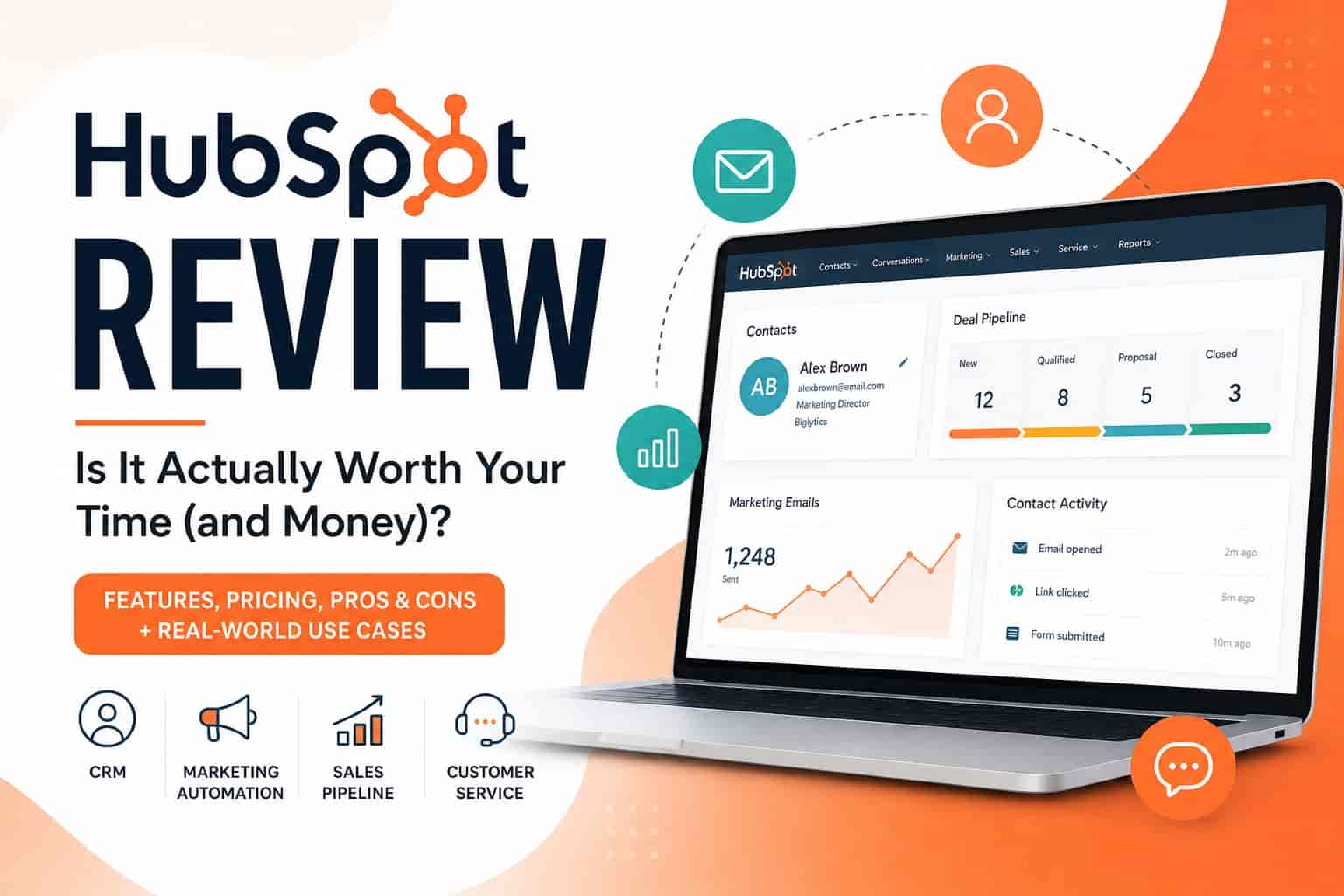
When Your “Simple” Marketing Stack Starts Falling Apart
You start with a few tools. An email platform here, a spreadsheet there, maybe a CRM you barely understand. It works… until it doesn’t.
Leads slip through the cracks. Your sales team complains about messy data. Marketing campaigns feel disconnected. And suddenly, what used to be “simple” turns into a daily headache.
Sound familiar?
That’s exactly where platforms like HubSpot come in. It promises to bring everything, marketing, sales, customer service under one roof.
But does it actually deliver? Or is it just another overhyped all-in-one tool?
Let’s break it down honestly.
What Is HubSpot, Really?
At its core, HubSpot is a CRM platform that bundles together tools for:
- Marketing automation
- Sales pipeline management
- Customer service
- Content management (yes, even your website)
Instead of juggling five different tools, HubSpot tries to centralize everything.
And to be fair, it does a pretty good job at that.
But here’s the catch: “all-in-one” can either mean efficient… or overwhelming.
The Real Problem HubSpot Solves
Before diving into features, let’s get specific about the problem.
Most growing businesses struggle with:
- Disconnected data across tools
- Poor lead tracking
- Inconsistent customer communication
- Manual, repetitive tasks
- Zero visibility into what’s actually working
You might have:
- Leads in Google Sheets
- Emails in Mailchimp
- Deals tracked in WhatsApp or Notion
- Customer notes scattered everywhere
It’s messy. And more importantly, it’s not scalable.
HubSpot’s entire pitch is simple: connect everything so your business runs smoother.
Key Features (And Where They Actually Shine)
1. CRM That Doesn’t Feel Like a Chore
HubSpot’s CRM is free to start and surprisingly powerful.
You can:
- Track contacts and companies
- Monitor deals through pipelines
- Log emails and calls automatically
- See full customer history in one place
The interface is clean. Not “corporate boring.” More like… something you’d actually want to use daily.
And that matters more than people think.
Because if your team hates your CRM, they simply won’t use it.
2. Marketing Automation That Saves You Time
This is where HubSpot starts flexing.
You can:
- Build email sequences
- Automate lead nurturing
- Segment audiences
- Create landing pages
- Run ads and track performance
Let’s say someone downloads your ebook.
Instead of manually following up, HubSpot can:
- Send a welcome email
- Wait 2 days
- Send a follow-up with a case study
- Notify your sales team if the lead engages
All on autopilot.
It’s not magic but it feels close.
3. Sales Tools That Actually Help Close Deals
HubSpot’s Sales Hub includes:
- Pipeline tracking
- Email templates
- Meeting scheduling
- Deal forecasting
One underrated feature? Email tracking.
You can literally see when someone opens your email.
Creepy? Maybe a little. Useful? Definitely.
4. Customer Support Tools (Often Overlooked)
Most people focus on marketing and sales, but HubSpot’s Service Hub is solid too.
You get:
- Ticketing system
- Live chat
- Knowledge base
- Customer feedback tools
It helps turn customer support from reactive chaos into something structured.
5. CMS for Your Website
Yes, HubSpot can host your website.
It’s not as flexible as WordPress, but it’s tightly integrated with your CRM.
That means:
- Personalized content
- Built-in analytics
- Seamless lead tracking
If you want everything connected, this is a big plus.
Real-World Example: How a Small Team Uses HubSpot
Let’s say you run a small digital agency.
Before HubSpot:
- Leads come from Instagram, email, and referrals
- You forget to follow up sometimes
- Sales conversations are scattered
- You have no clear pipeline
After HubSpot:
- All leads go into one system
- Automated emails handle early follow-ups
- Sales team tracks deals visually
- You know exactly where each client stands
It doesn’t just organize your business, it reduces mental load.
And honestly, that’s underrated.
The Good Stuff (Pros)
✔ Easy to Use (Compared to Competitors)
Compared to something like Salesforce, HubSpot feels… human.
You don’t need a full-time developer to set things up.
✔ Free Plan Is Actually Useful
Not a gimmick.
You can run a decent operation on the free CRM alone, especially if you’re just starting out.
✔ Everything Is Connected
This is HubSpot’s biggest strength.
Marketing, sales, and support all talk to each other.
No more guessing where a lead came from.
✔ Great Learning Resources
HubSpot invests heavily in education.
Their blog, academy, and certifications are genuinely helpful even if you never upgrade.
The Not-So-Great Stuff (Cons)
Let’s be real. It’s not perfect.
✖ Pricing Scales… Quickly
The free version is great.
But once you need advanced features?
Prices can jump fast.
For growing teams, HubSpot can go from “affordable” to “wait, what?” surprisingly quickly.
✖ Can Feel Overwhelming at First
There’s a lot going on.
Dashboards, workflows, pipelines, reports…
If you’re not careful, you might spend more time setting things up than actually using them.
✖ Limited Customization (Compared to Enterprise Tools)
If you need deep customization, something like Salesforce might still win.
HubSpot prioritizes simplicity over flexibility.
That’s a trade-off.
Step-by-Step: How to Get Started Without Feeling Lost
If you’re thinking about trying HubSpot, don’t dive into everything at once.
Here’s a smarter approach:
Step 1: Start with the Free CRM
Import your contacts and organize them properly.
Don’t overcomplicate it.
Step 2: Set Up a Basic Pipeline
Create simple deal stages like:
- New lead
- Contacted
- Proposal sent
- Closed
That’s enough to start.
Step 3: Add Email Tracking
Connect your email and start tracking interactions.
You’ll immediately gain insights.
Step 4: Build One Simple Automation
Example:
- When a form is submitted → send a follow-up email
Just one.
You don’t need 50 workflows on day one.
Step 5: Expand Gradually
Once you’re comfortable, explore:
- Marketing automation
- Reporting dashboards
- Lead scoring
Think evolution, not overhaul.
Who Should Use HubSpot?
HubSpot works best for:
- Small to mid-sized businesses
- Startups building structured processes
- Teams tired of juggling multiple tools
- Marketers who want automation without complexity
It’s less ideal for:
- Huge enterprises needing deep customization
- Teams with very tight budgets long-term
- People who prefer ultra-simple tools with minimal features
Is HubSpot Worth It?
Here’s the honest take.
HubSpot isn’t the cheapest option.
It’s not the most customizable either.
But it strikes a rare balance between:
- Power
- Usability
- Integration
And that balance is hard to find.
If your current system feels chaotic, HubSpot can genuinely clean things up.
If everything already runs smoothly? You might not need it yet.
Final Thoughts
HubSpot isn’t just a tool, it’s more like a framework for running your business.
And like any framework, it works best when you keep things simple.
Start small. Use the free CRM. Fix one problem at a time, don’t try to transform your entire business overnight.
Because the truth is, tools don’t fix messy systems.
But the right tool, used correctly can make everything a lot easier.
And sometimes, that’s exactly what you need.